From .mlmodel to encrypted .mlmodelc: How Apple Encrypts and Delivers ML Models
Apple’s Core ML allows developers to deploy machine learning models in iOS apps using formats such as .mlmodel, .mlpackage, and the compiled .mlmodelc format, which supports encryption. This article examines how Xcode integrates AES-128 encryption and FairPlay DRM, along with metadata, padding, and obfuscation to secure models. It also explores reverse engineering challenges, detailing the core ML compiler, protobuf key exchange, and runtime access via LLDB and Frida Trace – insights valuable to mobile engineers and security professionals working with iOS ML infrastructure.



From .mlmodel to encrypted .mlmodelc: How Apple Encrypts and Delivers ML Models
Core ML models may have one of the formats listed below:
- .mlmodel – an older, editable format consisting of a single file.
- .mlpackage – a newer format that contains an .mlmodel inside. This version differs from the previous one because some metadata and other information are stored outside the .mlmodel file.
- .mlmodelc – a compiled model that is delivered and stored inside an .ipa file or downloaded from Apple servers upon the first launch of the application. This format can also be encrypted.
Connect with the author on LinkedIn!

Using Core ML Inside an iOS Application
When an iOS application that leverages Core ML model functionality is deployed, the model can be delivered in two different ways:
- The model can be downloaded from Apple’s servers after the app’s first launch.
- The model can be packaged inside the IPA file and downloaded together with the application.
While the second option may seem simpler, any update to the model would require a corresponding update to the application. Additionally, since some models may grow significantly in size, downloading them from the server may be a better option.
Unencrypted or Encrypted
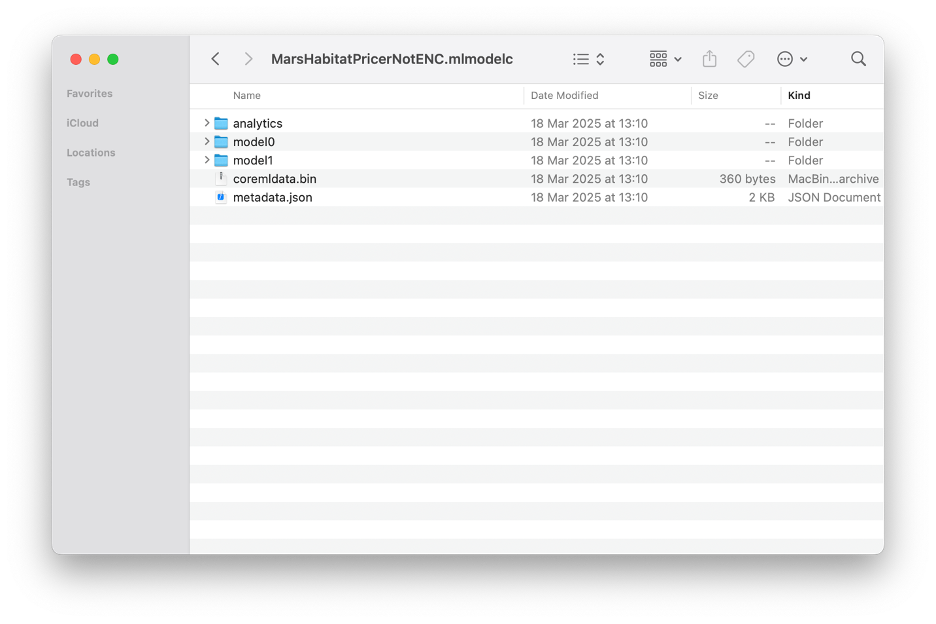
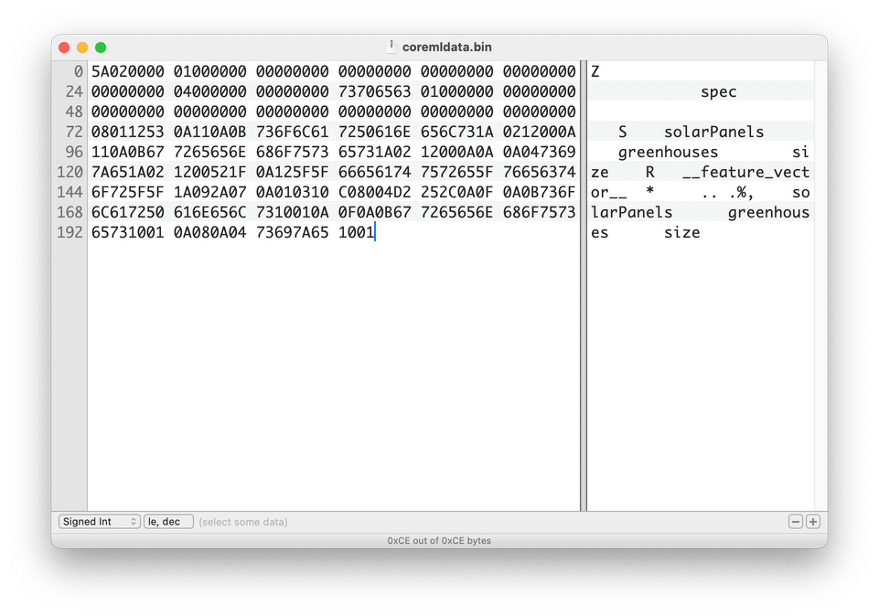
Core ML offers two options for deploying models. Delivering an unencrypted Core ML model allows the use of a model fully optimized for Apple Silicon. Additionally, such models cannot be used on other platforms, such as Android or Windows. The model file can be extracted from the IPA file or the application sandbox and requires some reverse engineering to make it work within a malicious application, but this is feasible, as the model binary can be inspected.
Encrypted Model
Apple provides a straightforward way to protect valuable assets – encryption. The compiled model is automatically encrypted by Xcode during IPA generation. The encryption key is uploaded to Apple’s server and downloaded during the app’s first launch. Downloading and decrypting the model is handled by a heavily obfuscated system called FairPlay.
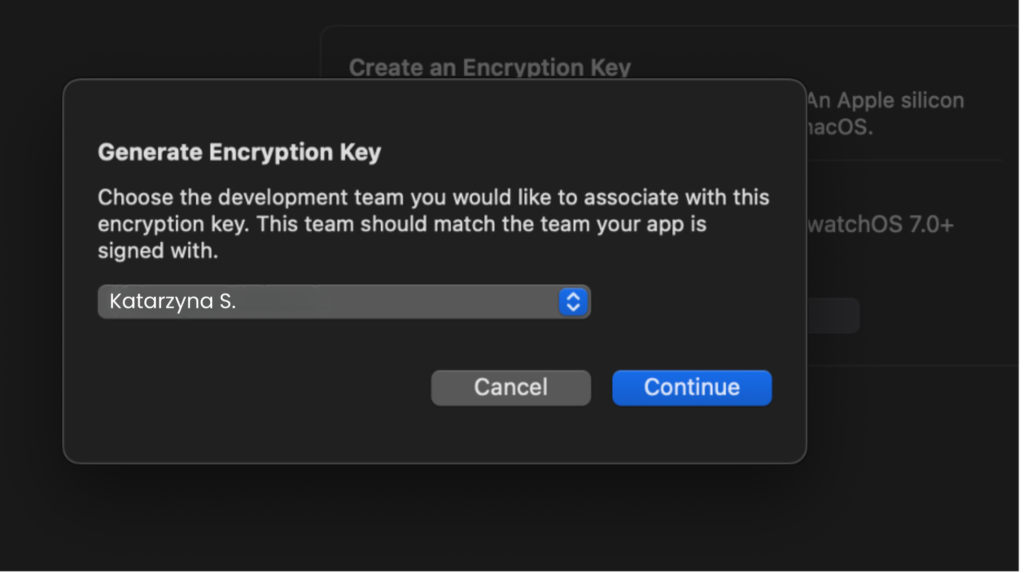
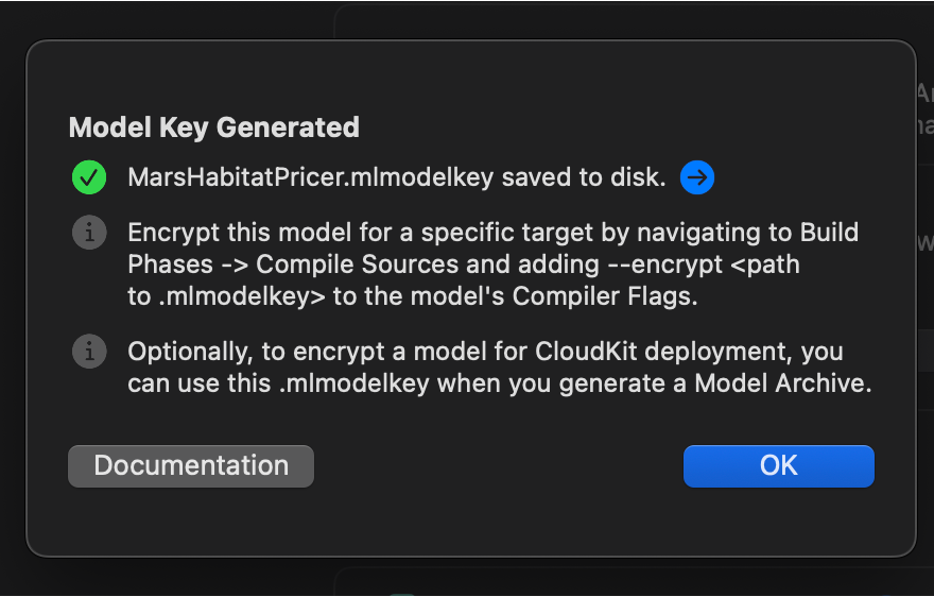
The coremlc process handles both encryption and compilation. Reverse engineering the coremlc file and analyzing the key file reveals that the model is encrypted with AES-128, as indicated by the KEY and IV fields in the key file.
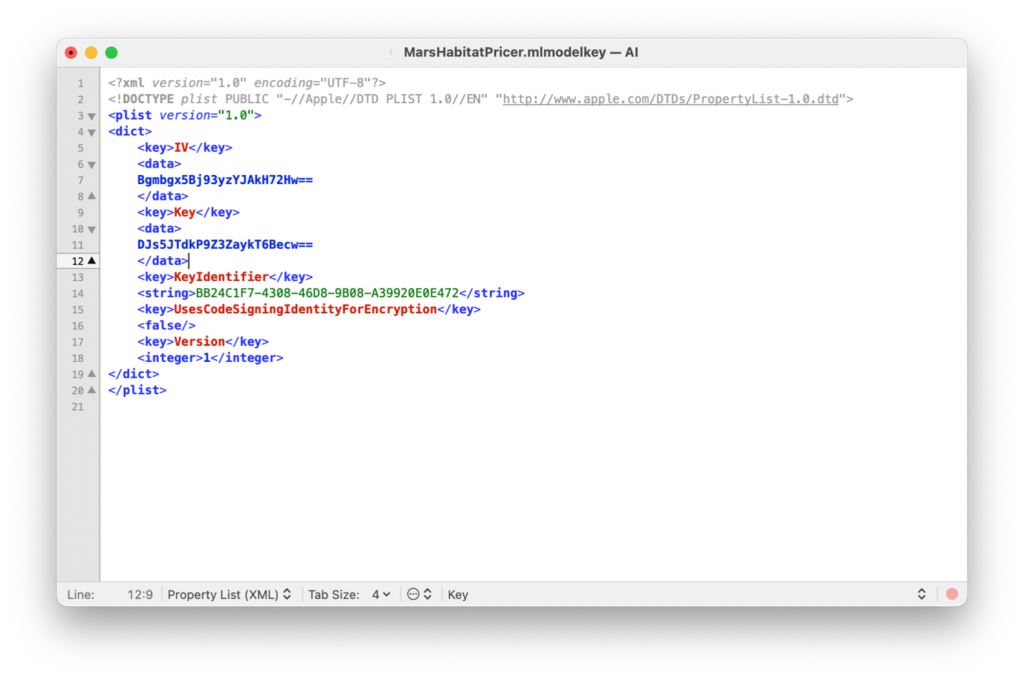
If we extract a compiled and encrypted model from an IPA file, there are two indicators that the model is encrypted:
An “encryptioninfo” folder exists inside the model directory.

The model files themselves are not readable.
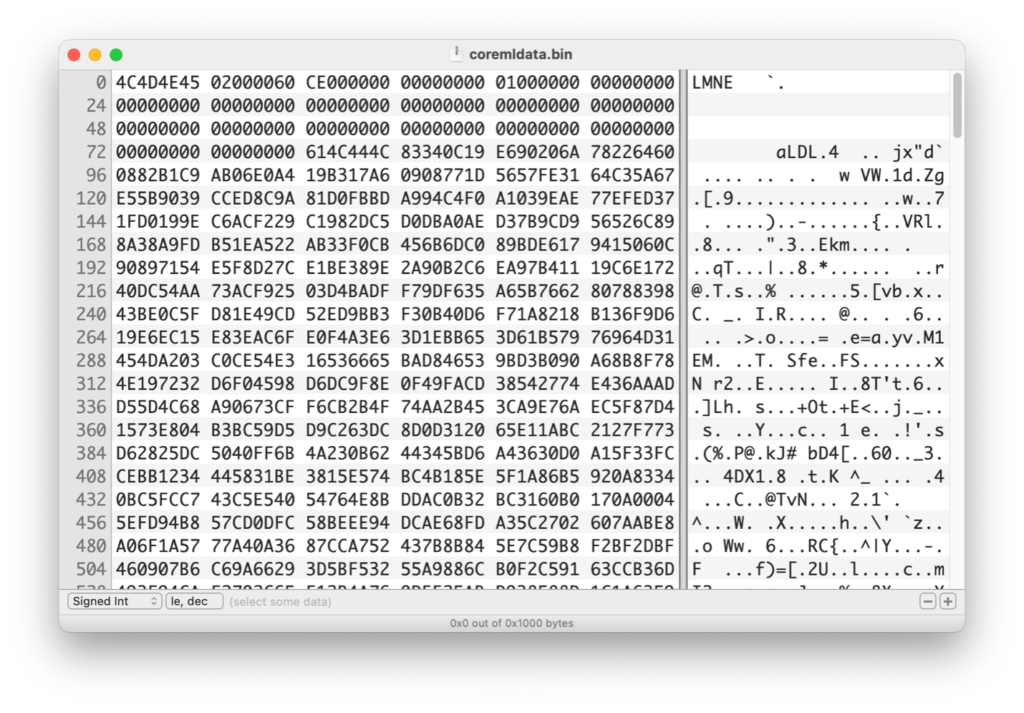
The magic bytes LMNE most likely stand for “Encrypted Model” or “Encrypted Machine Learning.”
It wasn’t possible to decrypt the model immediately, so I had to dive deeper into the process to understand what was happening.
The process appears to follow these steps:
- The model is compiled.
- Apple adds a special 80-byte padding to the compiled model.
- The model is encrypted.
- The first 80 bytes are removed and replaced with the original unencrypted padding.
To decrypt the model, the process must be reversed:
- Re-encrypt the first 80 bytes.
- Remove the original 80 bytes and replace them with the encrypted ones.
- Decrypt the model.
Connect with the iOS & macOS Expert on LinkedIn!

Is It That Easy?
Unfortunately, it’s not that simple. Because both key download and decryption are handled by FairPlay, it’s not easy to extract the decryption key from an iOS device. This means that unless we obtain the original key, we cannot decrypt the model.
The key is downloaded from Apple’s server in the form of a protobuf:
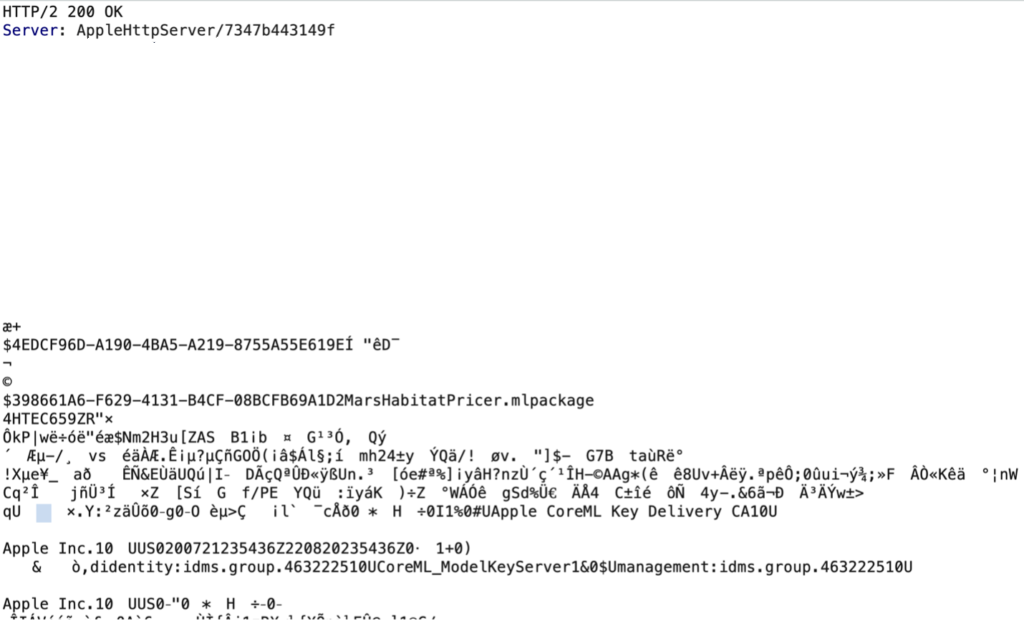
We can obtain some information about it by reverse engineering the Core ML framework.
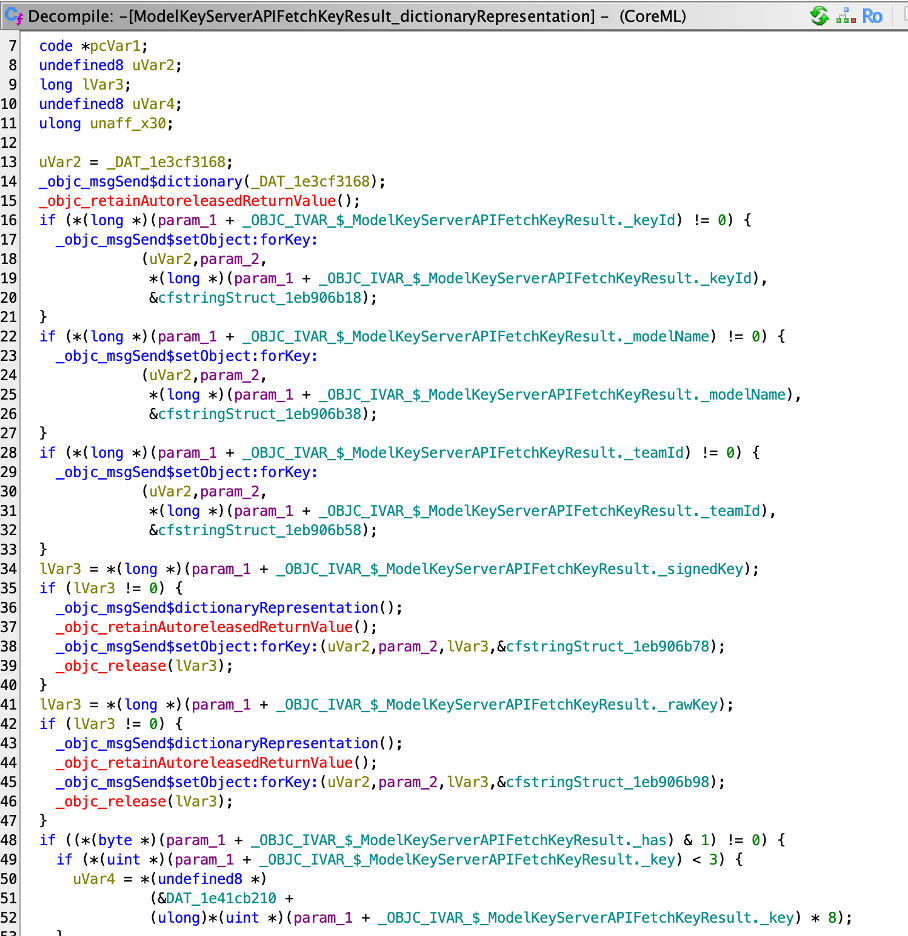
Indeed, if we look closer, we can find keyID, model name, and teamID in the request. Maybe if we force request to download rawkey instead, we would be able to extract decryption key.
Unfortunately, the way these requests are generated is heavily obfuscated.
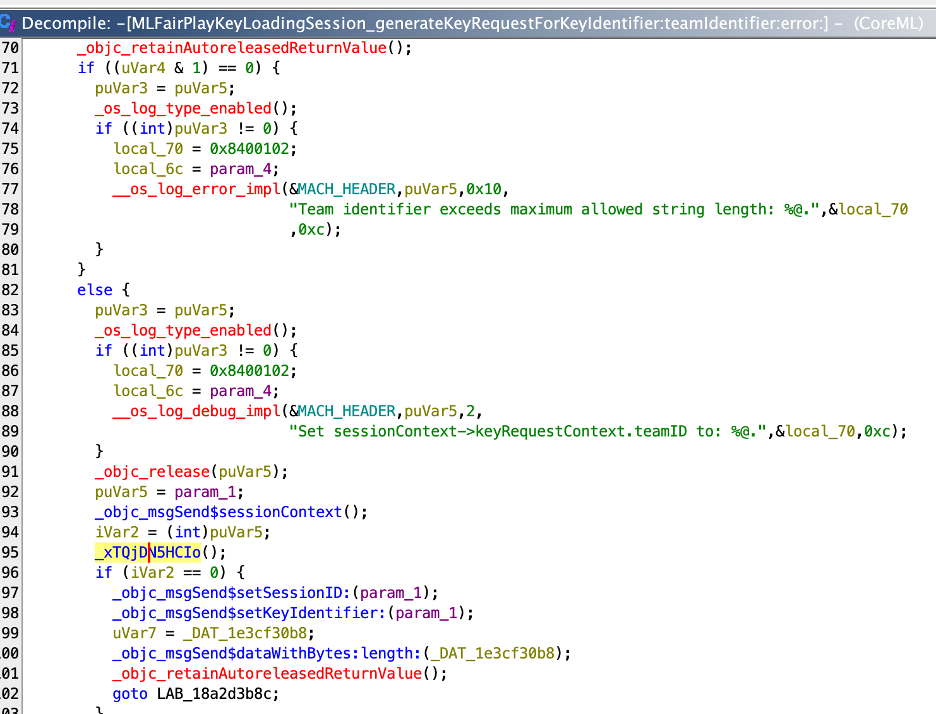
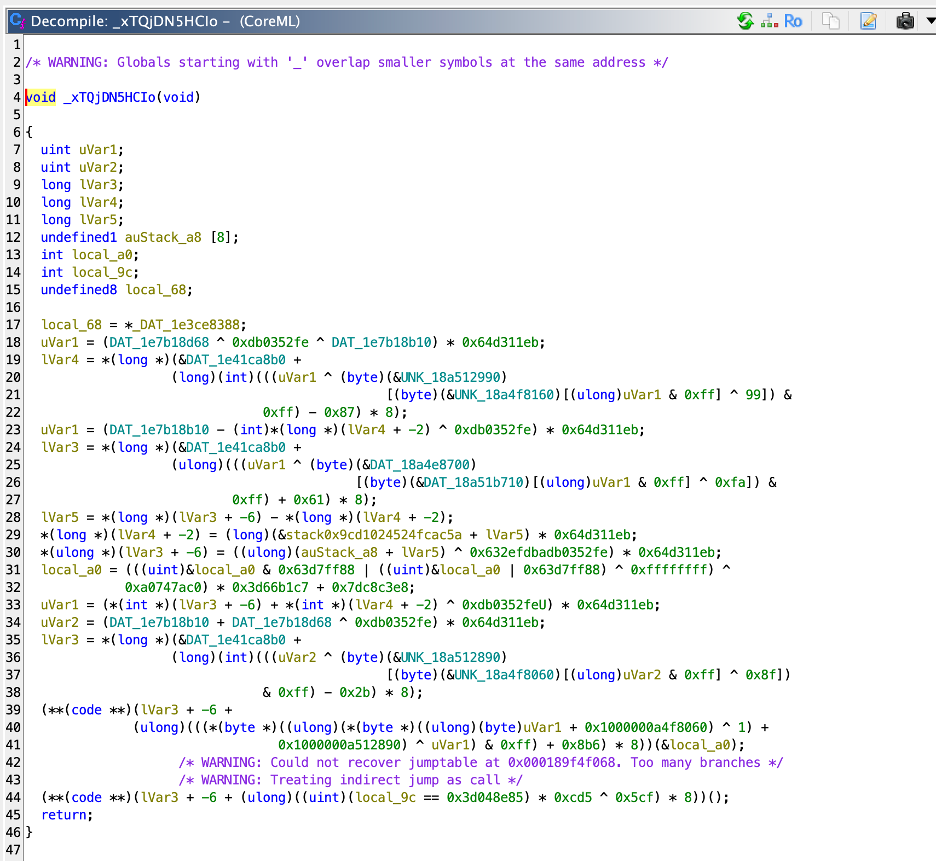
The downloaded, signed key is stored on the device and accessed via a persistent key. This mechanism is also heavily obfuscated:
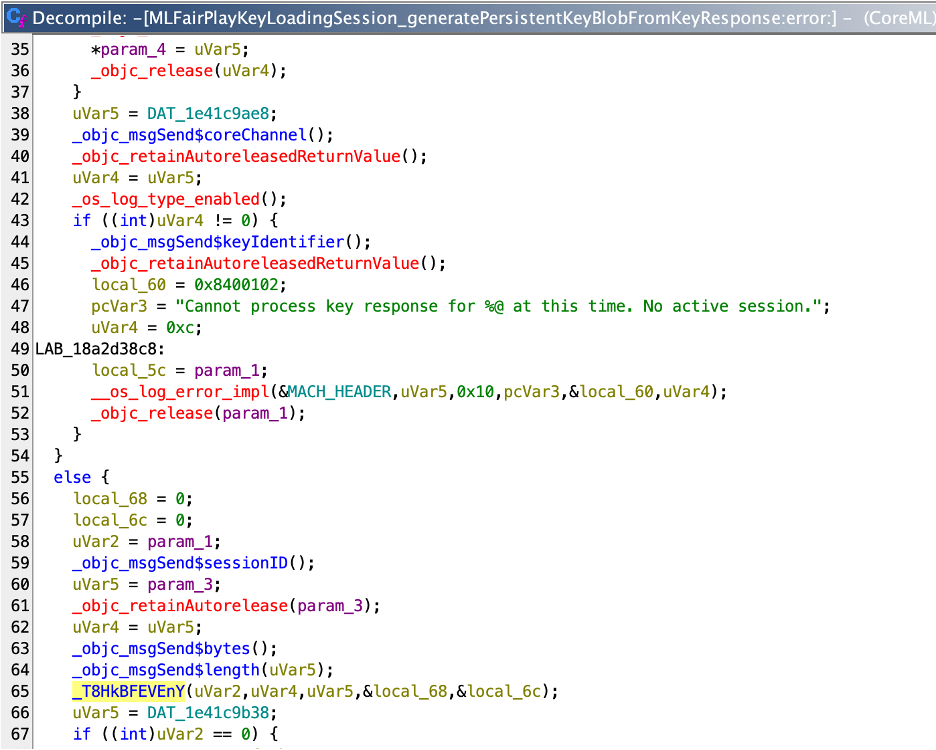
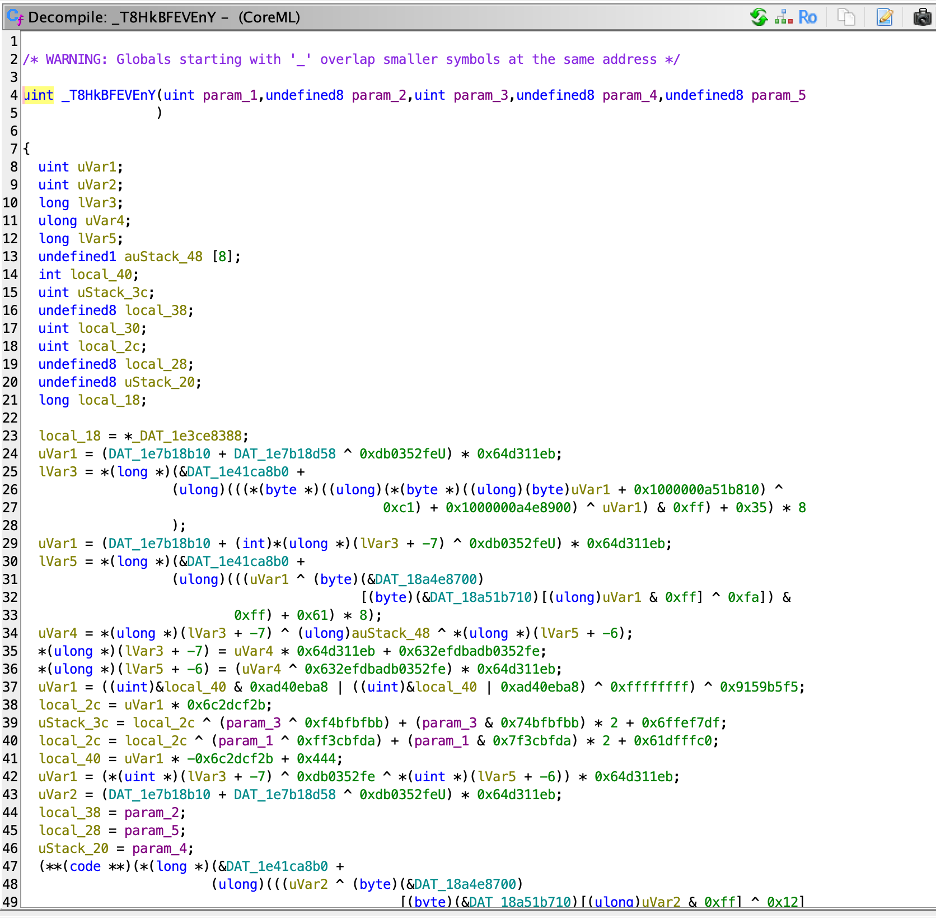
Final Approach: Accessing the Model Through a Running Application
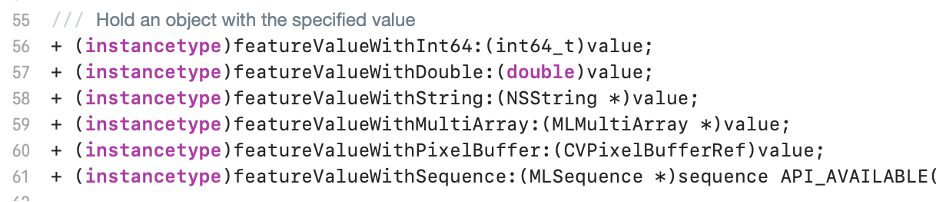
To communicate with the model directly through the running application, it was necessary to trace the correct CoreML methods that are invoked to predict a value. This required a deep understanding of the pipeline and the mechanisms underlying it.By leveraging LLDB and Frida Trace, we were able to trace it down to where the prediction is happening and where the arguments are provided.Input values are provided by MLFeatureValue, and these can hold several types of:
As proof that we have control over input values and can modify the prediction, I attached a debugger to the running process and called the prediction mechanisms directly from the code.
This approach as ugly as it is, allows us to use other people’s encrypted CoreML models.